Capture the missed-call moment
After a supported unanswered-call outcome, offer one consent-gated service-request text instead of leaving every caller in voicemail.
- Call-outcome logging
- One-text consent
- Open- and after-hours rules
Built for the missed-call gap
Capture supported call outcomes, keep the caller's need attached, and give one accountable operator a clear follow-up queue.
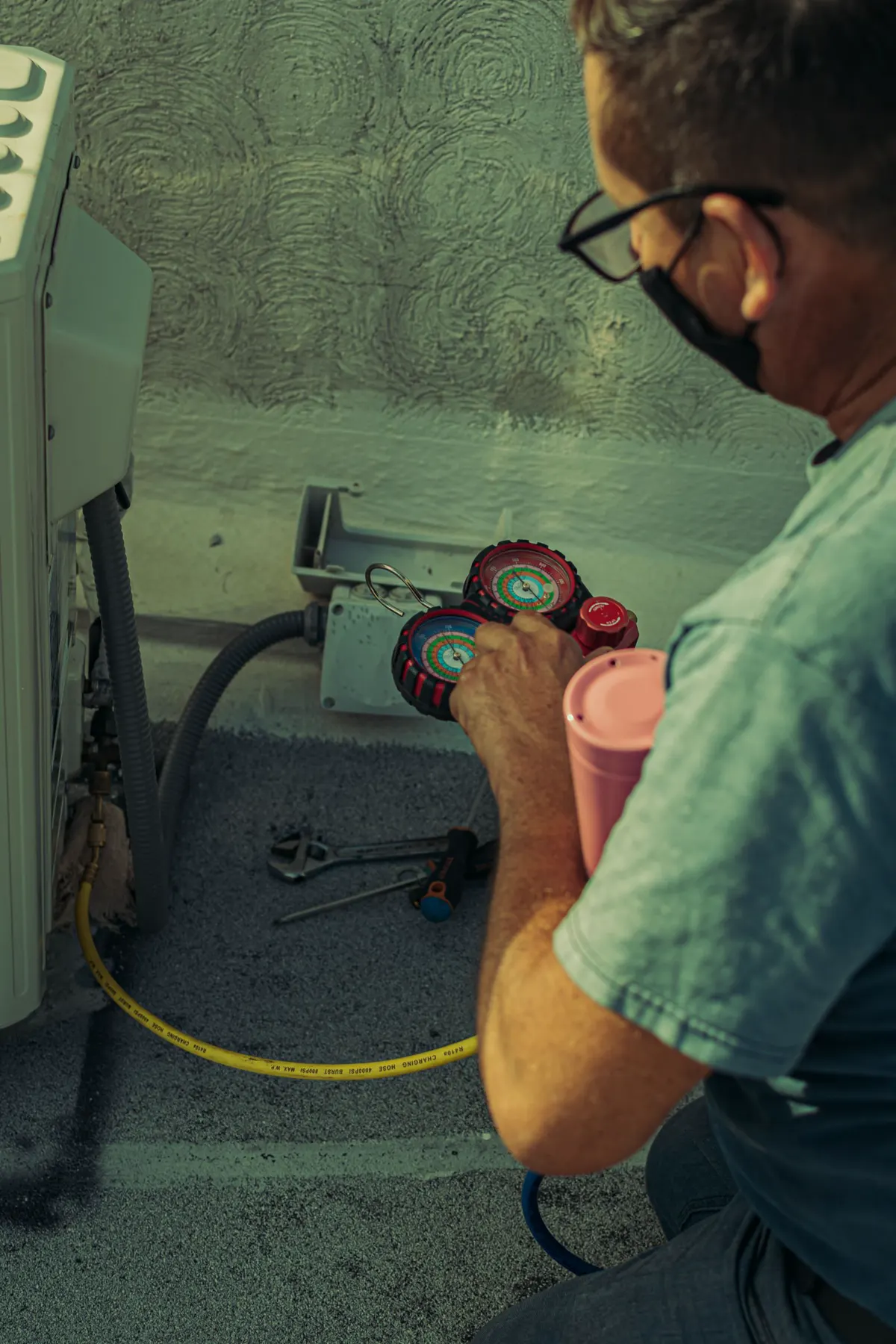
Built for the workday
Keep the caller record clear while the technician stays focused on the job.
One focused operating system
After a supported unanswered-call outcome, offer one consent-gated service-request text instead of leaving every caller in voicemail.
Replies, service details, urgency, consent state, and current follow-up status stay attached to one visible lead record.
Your accountable operator can see which supported calls need review, which conversations are active, and what happened next.
Compare verified conversations and owner-confirmed outcomes with your phone or CRM records before adding more workflow complexity.
How it works
CALL CAPTURE
The provider record distinguishes answered, no-answer, and caller-abandoned attempts. Unsupported voicemail paths are not assumed to be captured.
CALLER CONTEXT
The caller can consent to one service-request text, reply with the issue, and keep the thread attached to the lead.
OWNED ACTION
The software captures and queues the opportunity. Your team decides what to do next and records the outcome.
See the full missed-call recovery workflow, or use the small-shop guide to handling missed calls to plan who answers, who follows up, and what to measure.
Illustrative workflow, not a customer result. One accountable account owner monitors CallBack HVAC; your dispatcher and CRM keep their normal roles.
After a supported unanswered call, the caller requests the initial service text. They reply: ‘My AC stopped. Can you come today?’ The reply appears with the lead.
The account owner checks with the dispatcher in your existing phone or scheduling tool. CallBack HVAC does not independently promise a time slot or assign a technician.
After that incoming message, the account owner can send one dashboard reply, such as ‘We can call to discuss an afternoon visit.’ Another outbound text requires another inbound customer message.
If the homeowner stops replying, use your usual service callback process rather than sending repeated texts. Respect any request not to be contacted. Confirm the appointment in your existing CRM and mark the outcome in CallBack HVAC; export CSV records when needed.
Already have texting software? Check whether it covers your new callers as well as existing customers, after-hours calls, permission to text, visible replies and who owns the callback. If your current system already covers those needs reliably, you may not need another tool. Native CRM sync, team roles and shared lead assignment are not included.
Clear product boundaries
The current product uses one accountable account owner. It does not promise team roles, per-user preferences, or shared lead assignment.
Before any live text can send
Your existing phone, CRM, and dispatch tools keep their jobs. CallBack HVAC stays focused on the supported missed-call recovery path.
Made for a real HVAC workday
Select the appropriate open-hours or after-hours template after the outcome, consent, sender, and readiness gates pass.
Write separate service-request messages for open and after hours, with your company name and callback number.
Connect your own Twilio account and approved texting number so your number and caller data remain under your control.
After a customer messages the thread, the accountable operator can reply from the dashboard. Another outbound requires another inbound customer message.
Switch supported interface labels in the operator's browser and verify the full workflow during the trial.
Use your own call path, templates, sender, and response target to see whether the operating model fits your shop.
Control and portability
Keep supported final call outcomes visible for review.
STOP suppresses future messages. HELP returns the configured support information.
Export lead records for your CRM, team, or operating review.
Work through number, template, sender, and controlled test-call readiness.
Add call intake only when it fits
AI CSR is a later, separately reviewed pilot for shops evaluating a defined after-hours or overflow call path after the core workflow is ready.
Review AI CSR readinessStraight answers
The core feature is consent-based missed-call follow-up. After a supported unanswered-call outcome, the caller can request one service text; live send still requires sender, A2P, billing, and provider readiness.
No. CallBack HVAC works as a missed-call recovery layer. Your existing phone setup continues to handle normal calls, while CallBack HVAC helps capture calls that go unanswered.
Yes. After a customer sends a message in the thread, staff can send one direct dashboard reply. Another outbound reply requires another inbound customer message.
The dashboard, recovery status, outcome logging, CSV export, and recovery-rate tracking help you see which missed calls became conversations, bookings, or lost leads.
Yes. The core missed-call text-back workflow is designed for self-serve setup from the onboarding checklist: connect your approved business number, set open-hours and after-hours templates, then run a test call. Setup help is available if you get stuck.
14-day self-guided trial